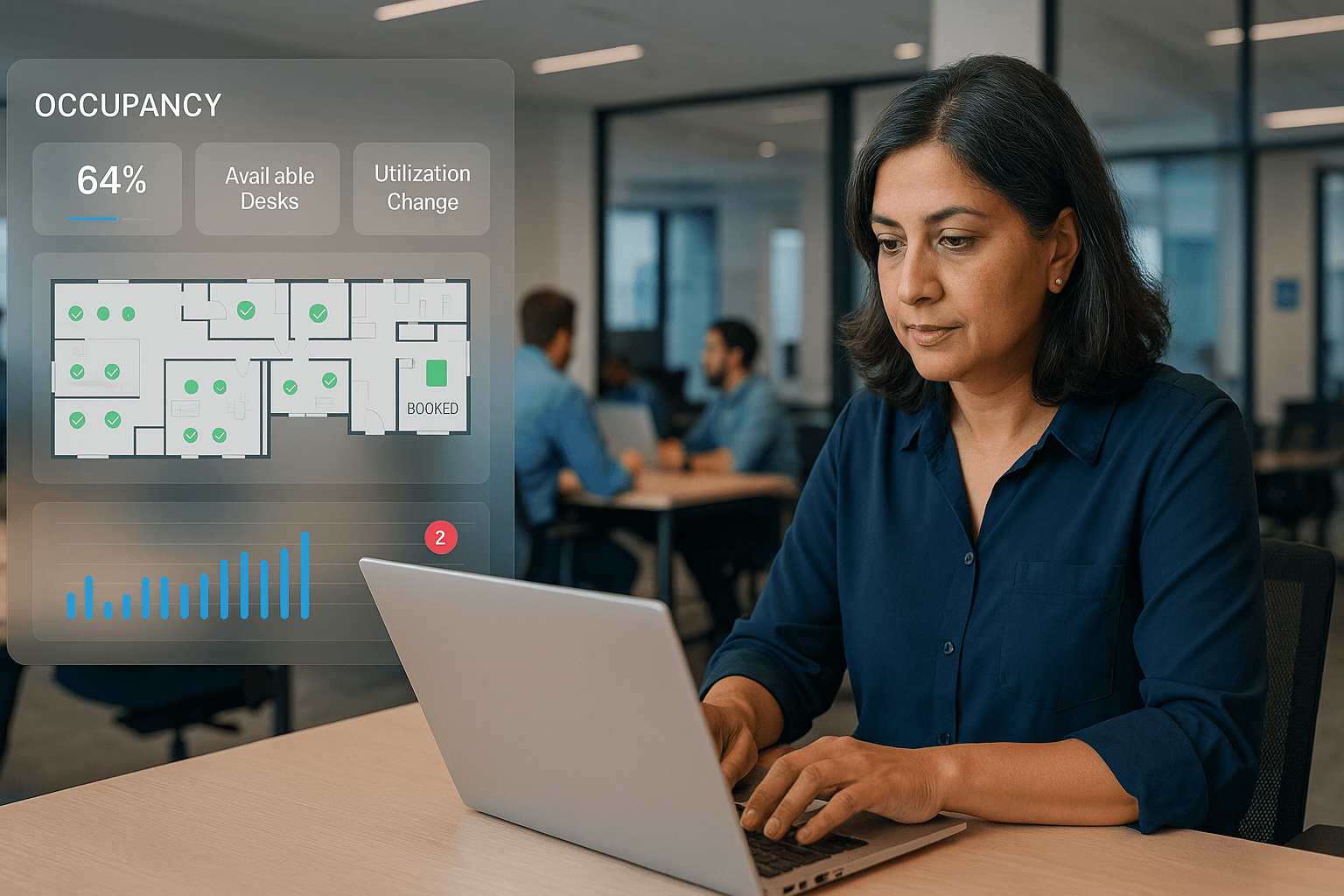
Software companies face major challenges adapting their office environments to rapid team expansion, shifting hybrid work patterns, and dynamic collaboration requirements. Relying on manual or basic space allocation methods often leads to errors, inefficiencies, and a poor employee experience—especially as teams grow or become more distributed.
Office space management software is a digital platform that automates workspace allocation, streamlines desk and meeting room management, and enables proactive capacity planning for software companies adapting to rapid growth and changing workforce needs.
How does office space management software help software companies manage rapid growth?
Office space management software empowers software companies to automate workspace allocation, instantly visualise capacity, and adapt office layouts in real time as team sizes fluctuate. By replacing manual spreadsheets with automated tools, operations managers optimise seats, prevent bottlenecks, and maintain productivity, even during periods of high headcount growth.
Workspace allocation challenges in fast-growing software companies
Operational pain points of rapid team expansion
Technology companies frequently experience unpredictable changes in headcount and project teams, making manual desk allocation unsustainable. Hybrid and remote work add uncertainty to daily office attendance, and static workflows like spreadsheets or static floorplans often fail to capture real usage—resulting in slow updates, errors, and inefficient space use.
- Overcrowded seating or insufficient desks on busy days
- Increased frustration from unclear desk ownership and double bookings
- Difficulties adapting layouts for evolving project or team structures
- Compliance risks related to occupancy, health, or safety requirements
Operational impacts on software teams from poor space management
Ineffective management of office space undermines productivity and the employee experience in several ways. Common issues include abandoned areas or overcrowded zones, confusion over seating, missed opportunities for collaboration, and challenges maintaining compliance with evolving workplace policies.
- Persistent distractions and dissatisfaction cause higher turnover
- Obstructed collaboration and unclear meeting room schedules
- Bottlenecks that slow onboarding or departmental mobility
- Non-compliance with health and safety guidelines
Core capabilities of office space management software for software industry requirements
Automated workspace allocation and intelligent desk assignment
Modern solutions enable live visual floor mapping, automated desk and meeting room assignment, and integration with HR and calendar software. Allocation rules consider team proximity, project collaboration frequency, work patterns, and accessibility, keeping workspace availability accurate to changing workforce needs.
- Real-time floorplans showing current workspace and meeting room status
- Rules-based automated desk assignment for teams with critical in-office tasks
- Employee self-service for bookings and schedule changes via desktop or mobile
- Integration with HR and IT systems for up-to-date seat management
Advanced analytics and actionable space utilisation reporting
Office space management platforms offer dashboards and analytics to monitor seat occupancy rates, peak times, and space utilisation trends. These insights support proactive space planning and layout redesign based on real usage evidence rather than guesswork.
- Track seat and room utilisation by day, week, or month
- Identify underutilised or overbooked areas in real time
- Forecast future capacity needs using historical hiring and attendance data
- Support hybrid work and distributed teams by visualising site occupancy
Support for hybrid, agile, and remote work models in tech environments
Tech startups and software firms increasingly require flexible policies for hybrid and remote work. Leading software enables hot desking, custom seating rules by department, self-service portals, and transparent attendance coordination for distributed or global teams.
- Hot desking and hoteling for dynamic employees or project teams
- Tailored seating based on job roles, collaboration frequency, or project teams
- Mobile app or portal for booking desks, meeting rooms, and resources
- Visibility across all sites to support distributed workforces
How to implement office space management software in a growing software company
1. Map current workspace utilisation and anticipate future needs
Conduct a comprehensive audit of office usage. Identify persistent problem areas, unused desks, and overcrowded locations. Project future growth and hybrid attendance patterns using HR and historical data to anticipate evolving resource demands.
2. Select scalable, integrative software for dynamic office environments
Choose a platform that supports rapid team size fluctuations, integrates with HR/IT/ID systems, and enables live floorplan management. Ensure the solution provides robust automation, data security, user-friendly controls, and strong analytics for operational insight.
3. Pilot rollout and feedback-driven improvement
Deploy the platform for high-growth teams or office zones first. Collect feedback from users, refine desk allocation logic, and adjust settings to meet real-world employee needs before expanding company-wide.
4. Company-wide deployment and ongoing synchronisation
Integrate the software with HR and IT for synchronised employee profiles, onboarding, and in/out schedules. Deliver clear communications, user training, and strong support to encourage widespread staff adoption and smooth the transition to digital workspace management.
5. Continuous monitoring, analytics, and layout optimisation
Use analytics to monitor usage trends, quickly adapt layouts, and resolve new space bottlenecks. Schedule quarterly reviews with operations, HR, and facilities stakeholders to keep pace with changing team structures and business requirements.
Office space management software vs traditional workspace allocation tools: Feature comparison
| Feature | Office Space Management Software | Traditional Workspace Allocation Software |
|---|---|---|
| Dynamic, automated desk assignment | Rules-based, real-time, self-service | Manual or basic semi-automated |
| Analytics & reporting | Comprehensive, live dashboards | Limited, often static or periodic |
| Integration with HR & IT | Seamless, extensive synchronisation | Minimal or absent |
| Hybrid work and hot desking support | Fully integrated and configurable | Generally unavailable |
| Employee self-service | User-friendly, widely available | Rarely included |
| Scalable for rapid growth | Purpose-built for expansion and change | Rigid, difficult to adapt |
| Compliance and occupancy controls | Regulatory and safety support included | Rarely provided |
Conclusion
Office space management software enables software companies to proactively respond to rapid growth, hybrid work trends, and evolving team structures. By automating allocation, delivering advanced analytics, and supporting flexible bookings, software companies can maximise space value, maintain compliance, and deliver a superior employee experience as they scale.
Key Takeaways
- Office space management software automates workspace allocation, supporting accurate seat assignments as software teams grow rapidly.
- Office space management software generates actionable analytics, empowering operations to redesign layouts and optimise costs in real time.
- Office space management software facilitates hybrid and flexible work, enabling scalable, customisable office environments for technology companies.
Discover how eFACiLiTY can optimise your office and workplace management processes.
Schedule a demo today.
FAQ
What is office space management software?
Office space management software is a platform that automates workspace allocation, desk and meeting room bookings, and capacity planning for organisations. It helps software companies adapt rapidly to changing team sizes, optimise office utilisation, and support both productivity and hybrid work models.
How does office space management software compare to traditional allocation tools?
Unlike manual methods, office space management software automates desk assignments, integrates with HR and IT systems, and provides live analytics. This enables software companies to adapt instantly to growth or hybrid work, whereas traditional tools are slow, error-prone, and lack flexibility.
How should software companies implement office space management software?
Start by mapping existing office utilisation and forecasting future growth. Select a scalable, integrative solution, pilot with key teams, and use analytics to refine workflows. Expand company-wide while offering user training and ongoing optimisation grounded in real usage data.